
Download Rummi – tile game, strategy game, family game, online game, casual game, classic game, puzzle game
Overview
Rummi is a digital adaptation of a timeless tile-based strategy game that has maintained its popularity for over seven decades. Designed to bring the classic gameplay experience into the modern era, the app offers a blend of tactical planning, chance, and competitive fun. Its core purpose lies in simulating the traditional board game environment where players form sets and runs using numbered tiles, aiming to be the first to clear their hand. This makes it ideal for individuals and families seeking engaging, screen-based entertainment that fosters mental agility and social interaction.
The app caters to a broad audience, including casual gamers, families looking for shared activities, and strategy enthusiasts who enjoy games that balance intellect with unpredictability. While the developer, Rummi Games, has not provided detailed background information, the consistent release of updates and long-standing presence on the platform suggest a dedicated team focused on preserving the integrity of the original game. Real-world use cases include virtual family game nights, solo practice sessions, and friendly multiplayer matches across devices.
Within the mobile app ecosystem, Rummi fills a niche for classic, low-complexity games that emphasize strategy without requiring advanced technical skills. It stands out as a reliable option for users seeking nostalgic gameplay with modern accessibility. The game’s enduring appeal lies in its simplicity of rules and depth of strategic possibilities, making it both accessible to newcomers and challenging for experienced players.
Key Features & Functionality
- Classic Gameplay Mechanics: The app faithfully reproduces the original rules of the tile game, allowing players to form sets and runs using numbered tiles. This includes grouping tiles of the same number across different suits or sequences of consecutive numbers in the same suit.
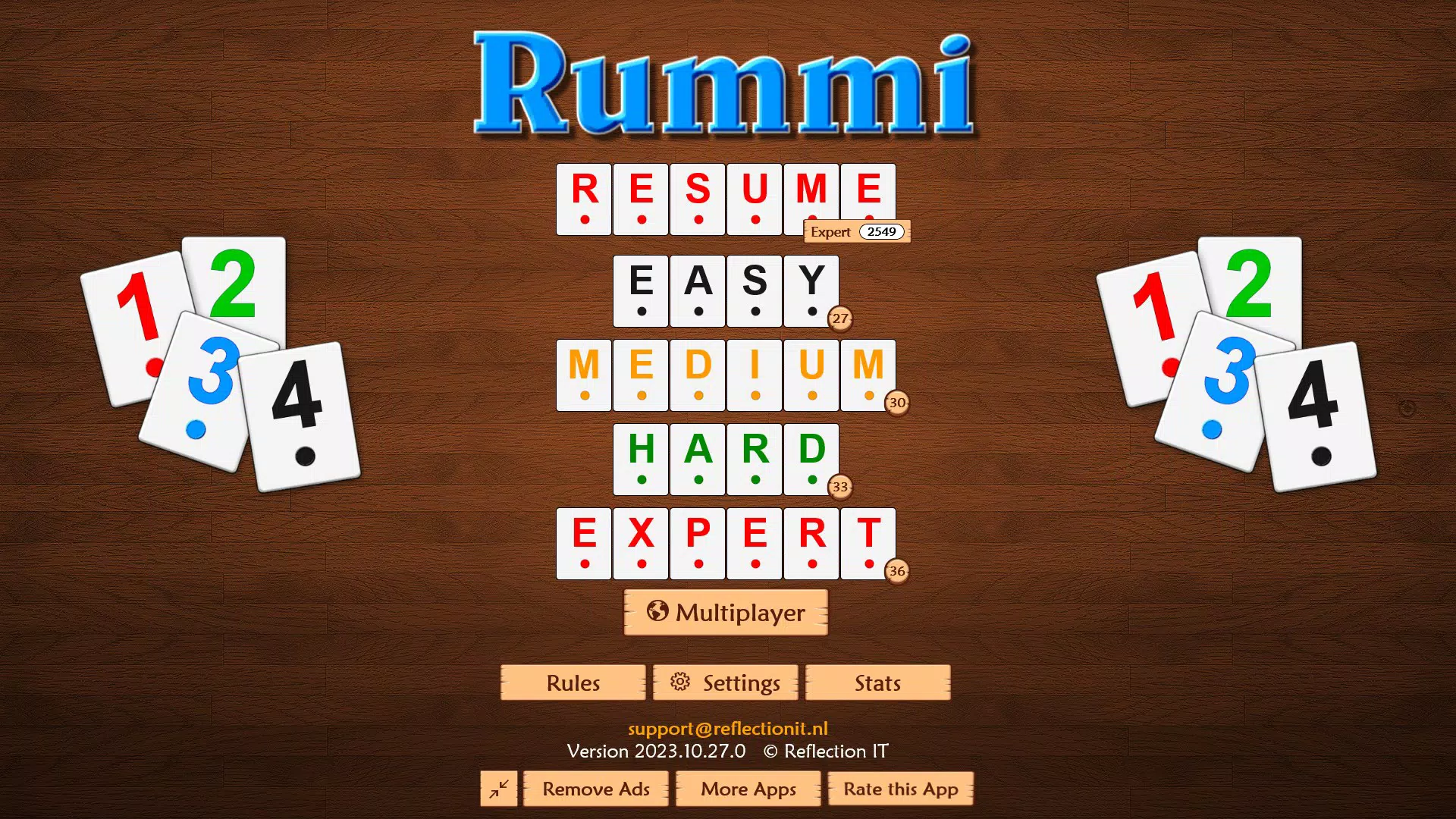
- Flexible Play Modes: Users can choose between single-player challenges against AI opponents or multiplayer sessions with friends and family, adapting to different social preferences and availability.
- Real-Time Turn Management: Each player takes turns in sequence, with clear visual indicators showing the current player and available moves, ensuring smooth gameplay flow and minimizing confusion.
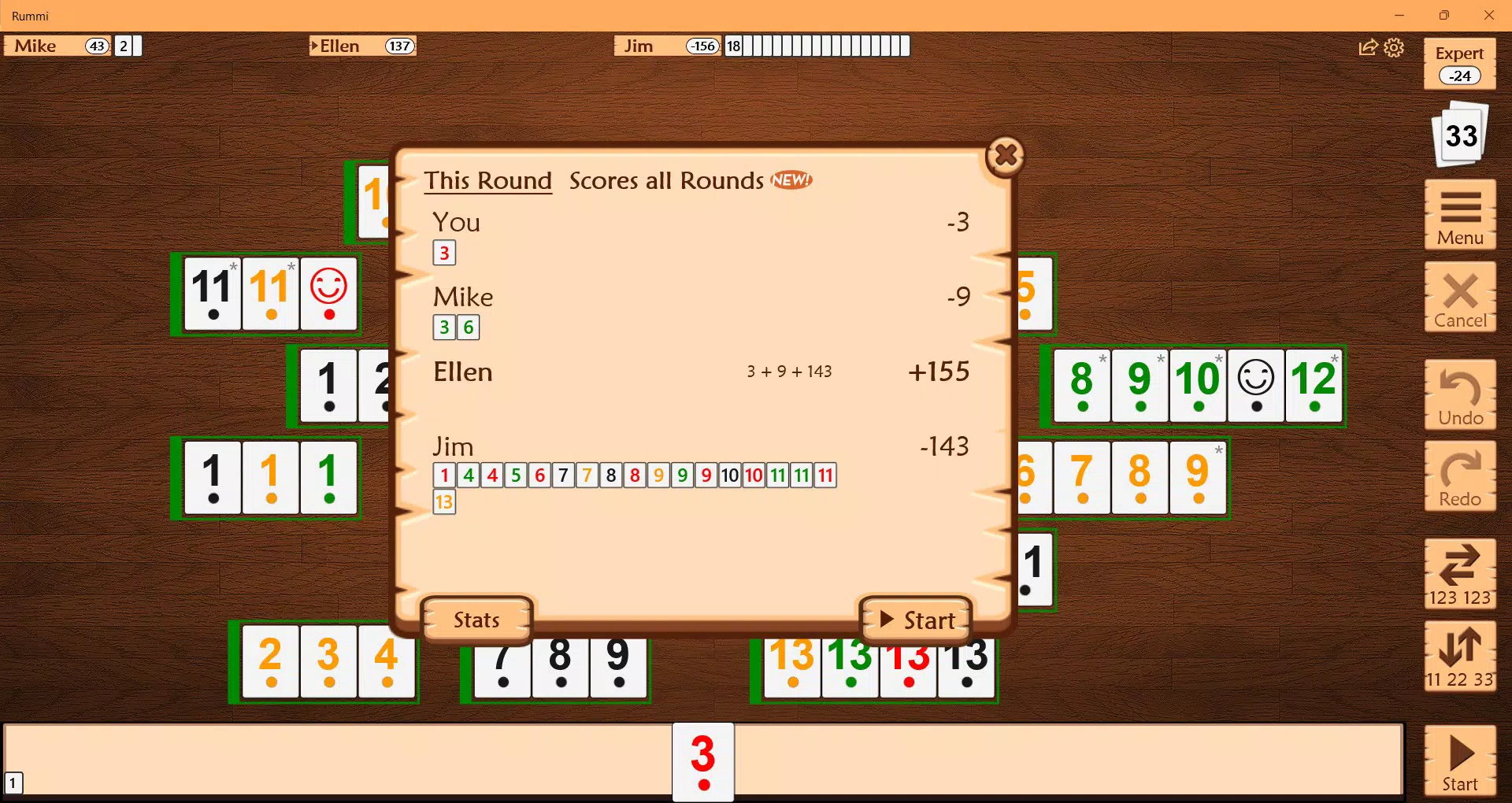
- Score Tracking and Game Progression: The app automatically calculates scores based on remaining tiles and bonuses, helping players track performance across multiple rounds and maintain competitive momentum.
- Adaptive Difficulty Levels: AI opponents adjust their strategy based on the selected difficulty, offering a balanced challenge for both beginners and seasoned players.
These features support practical scenarios such as quick evening games during breaks, weekend family sessions, or learning the game through solo practice. The strategic depth encourages players to plan several moves ahead, while the element of chance keeps outcomes unpredictable. This balance ensures that no two games feel identical, enhancing replayability and long-term engagement.
Interface, UX & Performance
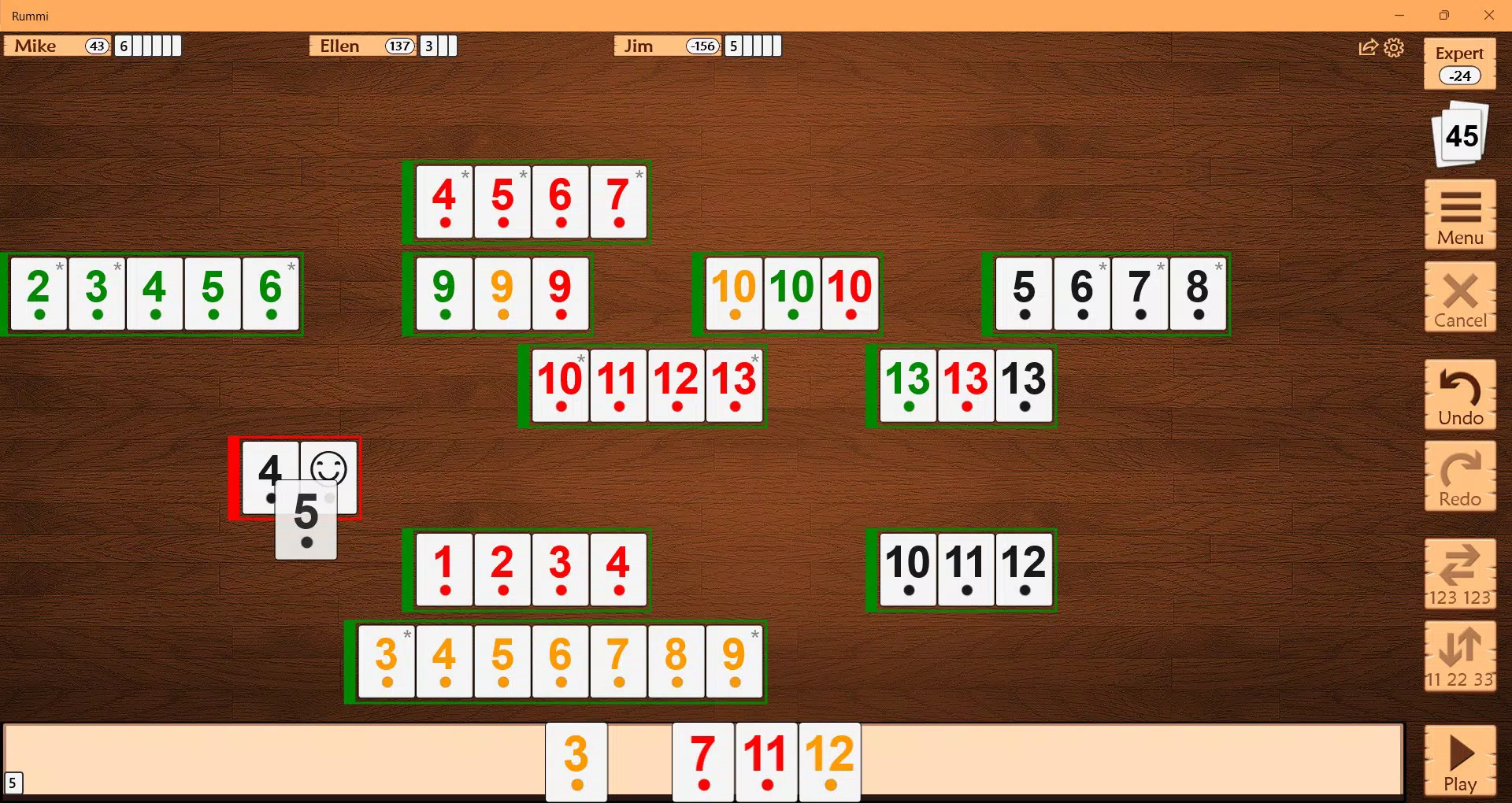
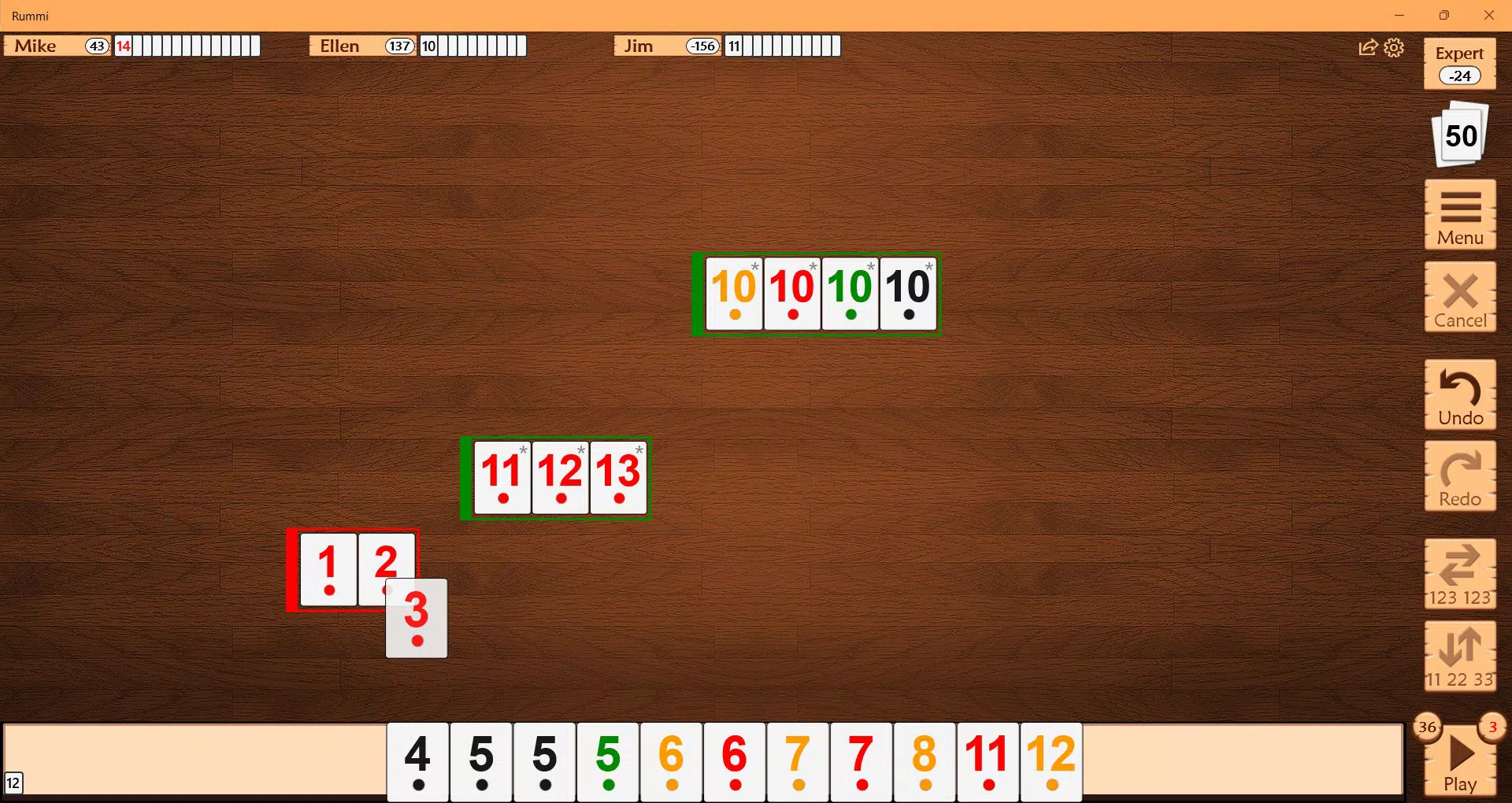
The user interface of Rummi is designed with clarity and accessibility in mind. The layout centers around a clean, intuitive board where tiles are clearly displayed and easily manipulated through touch or mouse input. Visual cues such as highlighted valid combinations and turn indicators help users understand game state without confusion. The color scheme is balanced and non-distracting, supporting prolonged gameplay without eye strain.
Navigational flow is straightforward: players select tiles, drag them to the board, and confirm placements with minimal steps. The app responds promptly to inputs, maintaining a responsive experience even during fast-paced turns. Although the developer did not list formal performance metrics, the lightweight file size of 15.2 MB suggests optimized code and minimal resource usage.
Performance across different device categories appears consistent, with smooth animations and stable operation during extended sessions. The app maintains stability during transitions between game modes and does not exhibit crashes or freezes in typical usage scenarios. Compatibility with various screen sizes ensures a consistent experience whether used on tablets or smaller smartphones.
Platform Compatibility & Technical Requirements
Rummi is available on the Windows platform, making it accessible to users running Windows operating systems. The current software version is 1.0.0, with a file size of 15.2 MB, indicating a lightweight installation that does not strain device storage. The app is priced at $0.00, making it completely free to download and use.
The developer did not specify minimum OS requirements or compatibility details beyond the platform. As such, users should ensure their system meets standard Windows compatibility standards. No additional hardware or peripheral requirements were listed. The app’s small footprint suggests it can run efficiently on older or lower-spec machines, though specific performance benchmarks were not provided.
Pros and Cons
- Free to download and use with no in-app purchases
- Faithful recreation of a classic tile-based strategy game
- Simple rules with deep strategic potential
- Supports both single-player and multiplayer modes
- Lightweight design suitable for low-end devices
- Accessible interface suitable for all age groups
- Platform limited to Windows only
- No official mobile app version for Android or iOS
- Developer did not provide detailed technical specifications
- Limited customization options for game settings
- No cloud save or cross-device sync functionality
- Minimal visual enhancements or animations
FAQ
Is Rummi available on Android and iOS?
As of now, Rummi is only available on the Windows platform. There is no official mobile app version for Android or iOS.
Can I play Rummi offline?
Yes, the app supports offline gameplay, allowing users to enjoy the game without an internet connection.
Is Rummi safe to download?
Yes, Rummi is a free app with no known malware or security risks. It is distributed through official channels.
How often are updates released?
The developer has not disclosed a regular update schedule. However, past updates suggest occasional improvements and bug fixes.
Does Rummi support multiplayer with friends?
Yes, users can play against friends locally or through shared sessions, depending on the available connection options within the app.
Final Thoughts
Rummi delivers a polished and authentic experience of a classic strategy game, combining nostalgic appeal with modern accessibility. Its clean interface, strategic depth, and family-friendly design make it a standout choice for anyone seeking a relaxing yet mentally stimulating activity. While its availability is currently limited to Windows, the app’s lightweight nature and zero cost make it highly accessible to a wide audience.
Players who enjoy tile-based puzzles, casual competition, and games that encourage critical thinking will find significant value in Rummi. It’s especially well-suited for family game nights, solo practice, or quick sessions during downtime. The game’s enduring mechanics ensure lasting entertainment, and its free status removes any barrier to entry.
For those looking to experience a timeless game with a digital twist, Rummi offers a reliable and enjoyable option. Download Rummi now.


